Stuff I use
It’s fun to share things you use. I have discovered a lot of products from sites like Uses this, The Sweet Setup and many more. So here’s some of the things I use.
Daily drivers
MacBook Pro 14” (Silver, maxed out)
My Pocket FM work machine and daily driver for work. It’s an absolute beast for everything I throw at it.
MacBook Pro 16" [retired]
Returned the old 16" Atlassian machine after the transition.
MacBook Air 13” (M3, Blue)
My personal machine. I use it for writing, designing, coding, AI stuff, photo editing and even media on long flights. I hate lugging a chunky laptop around the house, cafes and airports. This one is quite lightweight so it’s perfect.
iPhone 17 Pro Max (white)
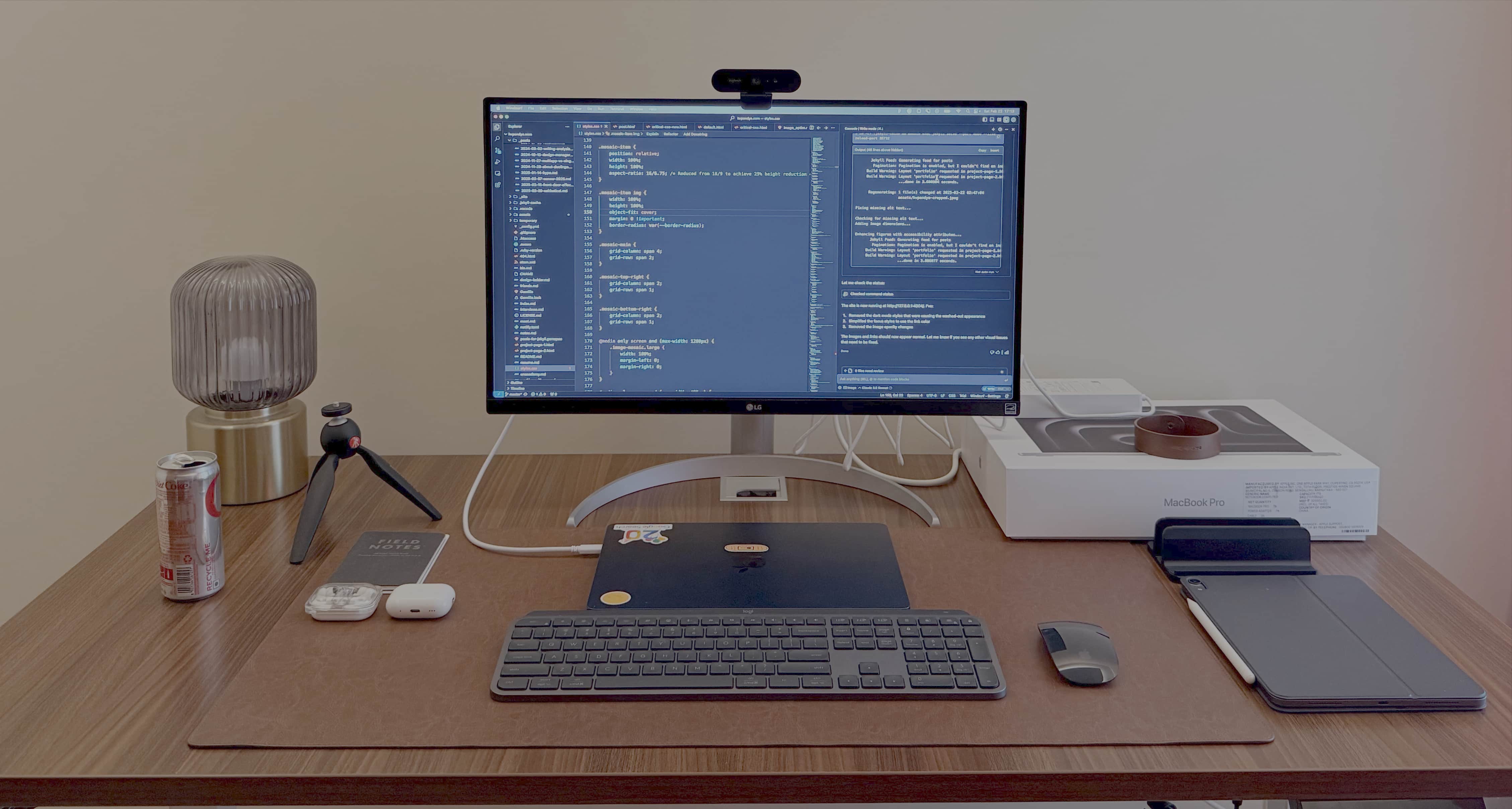
Current daily phone. The white finish is perfect because it doesn’t really show scratches. For the first time in a decade I had moved to the blue iPhone Pro, but being back on the Pro Max feels right again. The larger screen is so much better.
Samsung Galaxy S26 Ultra (black)
Second daily driver for testing Android apps and staying in sync with the Android side of the ecosystem.
iPhone 17 Pro (deep blue) [retired]
Moved from the Pro to the Pro Max.
iPad Pro 11” (M4, Space Black) + Apple Pencil + Magic Keyboard
I recently upgraded to the M4 iPad Pro. Perfect for sketching, watching stuff during travels, occasional writing or even for watching YouTube on the couch. The Apple Pencil is handy. The Magic Keyboard with trackpad makes it surprisingly capable for semi-serious work, almost like carrying a small laptop. I used to use my iPad Pro from 2019, a prized possession from my Google days in the US.
Workspace
Herman Miller Mirra 2 (black)
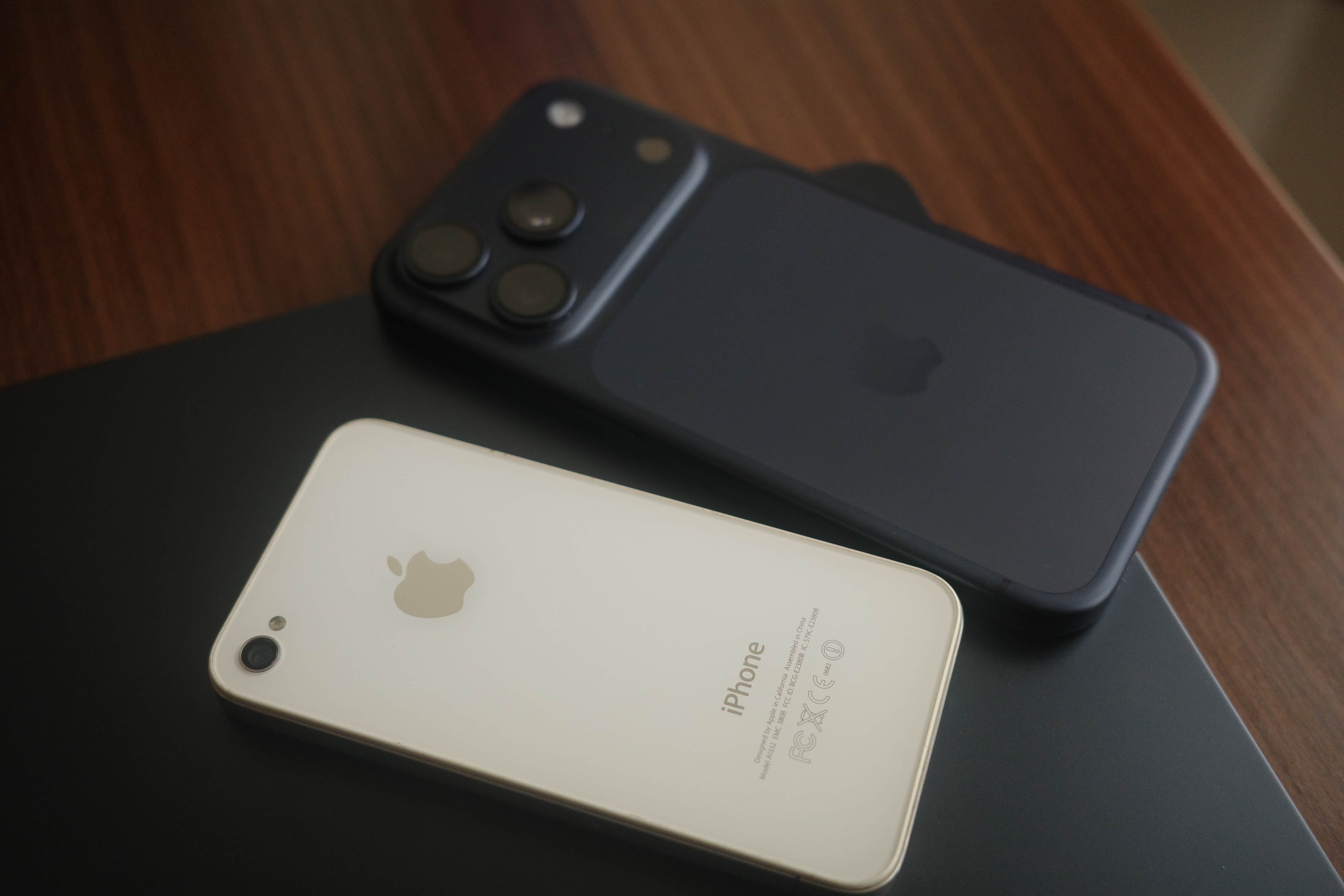
My chair of choice for the home office. The ergonomics and build quality make long design sessions comfortable. The interesting thing is that the physical controls of the HM chair mimic the actual orientation of the chair exactly, making it very intuitive to customize the ergonomics to your liking.
Purpleark standing desk (large)
The model with a larger desktop is perfect an expansive work from home setup. I use it regularly to alternate between sitting and standing throughout the day. It’s able to safely house 2 wide monitors and still leaves enough space for desk trinkets.
LG 27” UHD 4K monitor
I’ve always been a single monitor guy and prefer a lightweight extension of the laptop screen. The 4K gives me plenty of space for design work and split windows.
Logitech MX Keys Advanced illuminated keyboard
My daily driver. The illuminated keys and tactile feedback make it perfect for long writing and coding sessions. No complaints so far, this one gets the job done. Previously I used to use the Apple Magic Keyboard. Didn’t have any complaints, I think I lost it during moving houses.
Apple Magic Mouse (black) + Logitech MX Master 3
I have both, but the Apple Magic Mouse sees major use in my workflow. The MX Master 3 is there as backup, though both are excellent mice with their own strengths. I don’t game at all on the laptop, so the MX Master is definitely not for that.
Leather desk mat
Keeps my desktop organized and provides a nice surface for the mouse and keyboard. Helps maintain the clean, minimal aesthetic I prefer.
Field Notes Memo Book
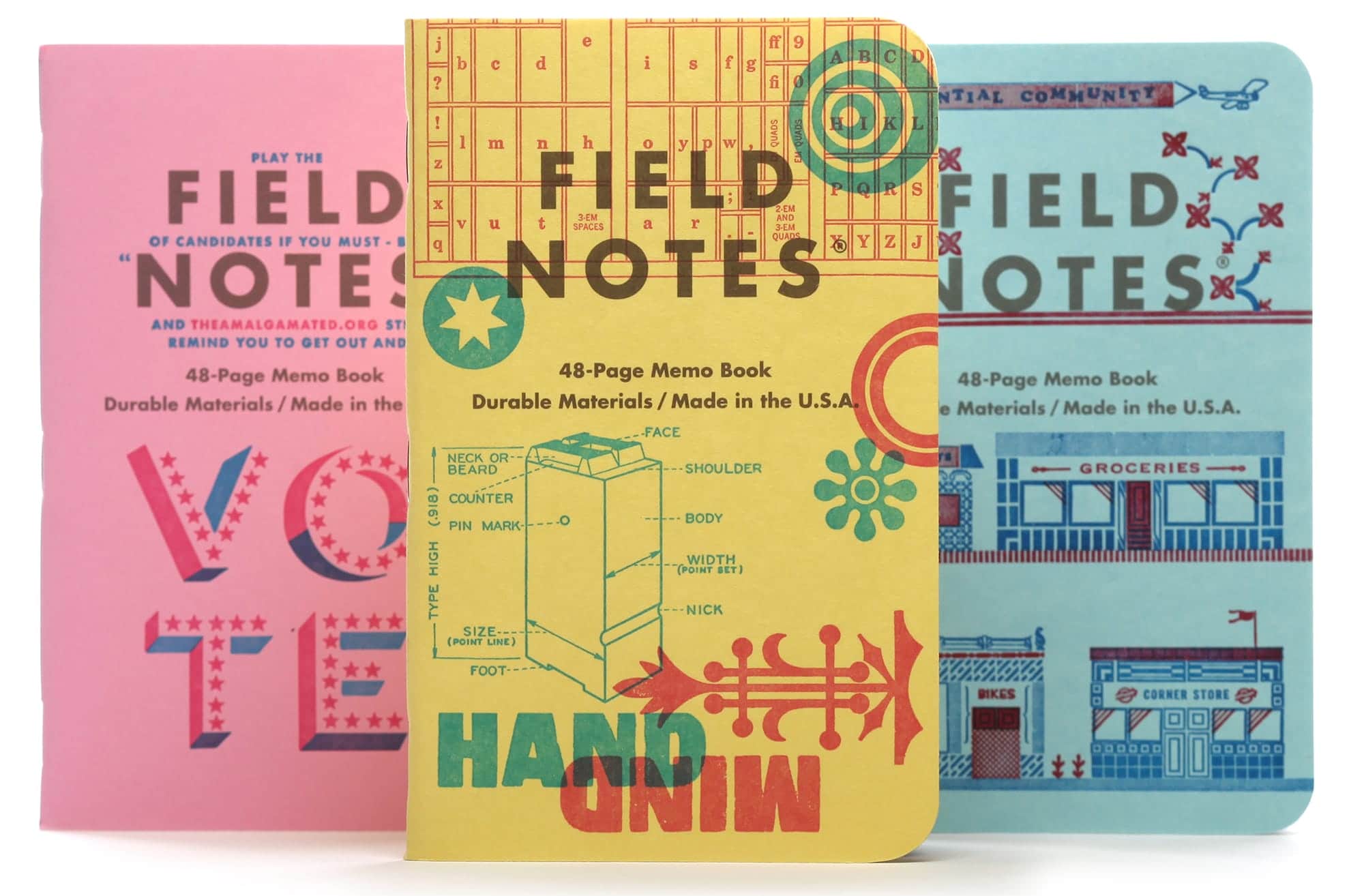
The perfect pocketable small notebook that comes with ruled, dotted graph and plain papers. I prefer the plain paper. Ideal for sketching and quick ideation on the go.
Baronfig Confidant
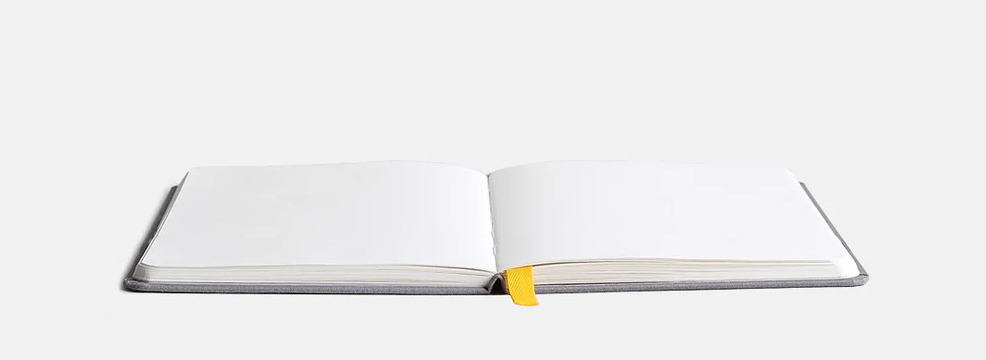
Sometimes you need a big boy to take longer notes, more space to make larger sketches. This one opens flat and is just a workhorse. I bought the first set in 2017 I think and have loved this ever since. So much so that I’ve even gifted a few to close friends.
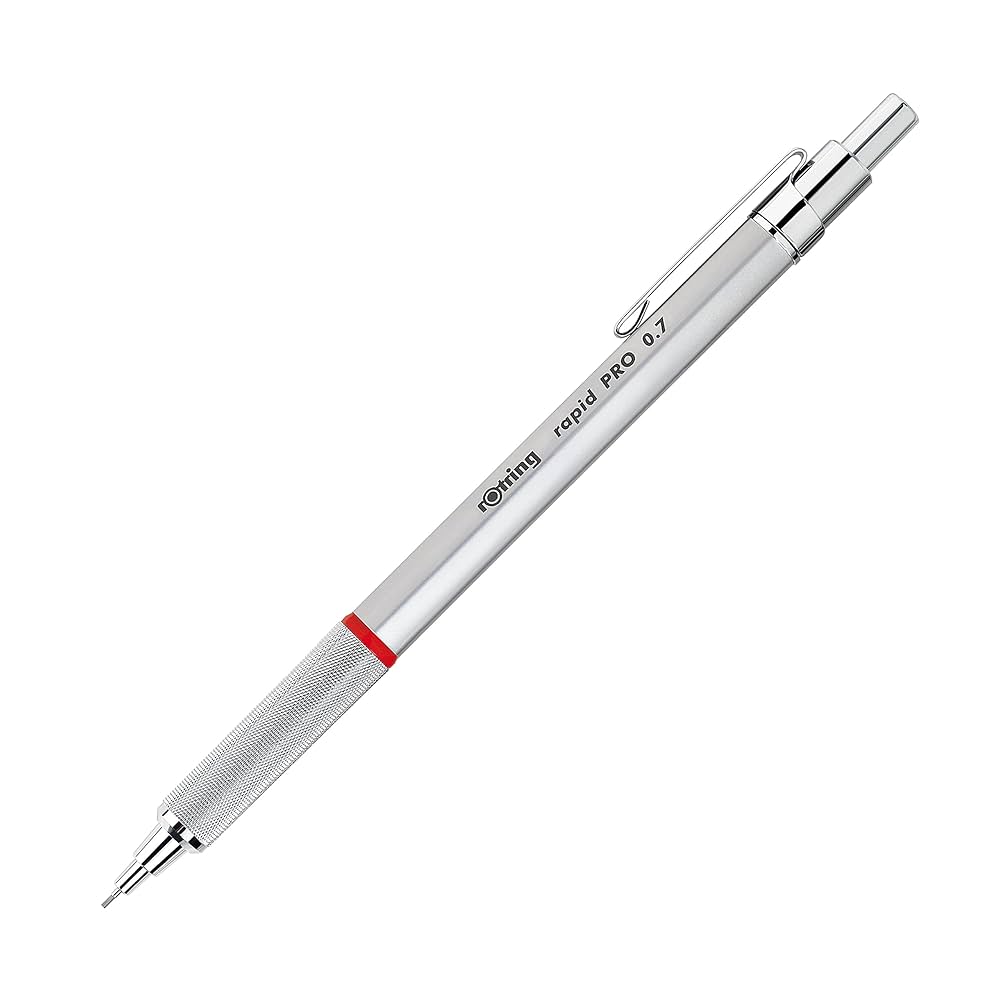
Rotring Rapid PRO 0.7 mechanical pencil
My dad used to have a set of Rotring pencils around the house when I was young. He’s a mechanical engineer. I grew up around these and absolutely loved them. They’re a solid example of German manufacturing. In German, Rotring means a ‘red ring’. You see the red ring on each pencil. Iconic.
Lamy CP1 foundain pen
Very inconvenient to use unless you’re using it regularly. Ink pens require a lot of maintenance and upkeep to keep them running. Absolute joy though when it’s firing fine.
Sakura Pigma Micron
Perfect for uniform lines when you’re sketching mockups. These have become quite a standard choice for minochrome sketching across the board. Wife uses these for her artwork as well. Made in Japan.
Kindle Paperwhite
Super old now but still works fine. Battery has taken an absolute beating over the years so not really fit for travel anymore.
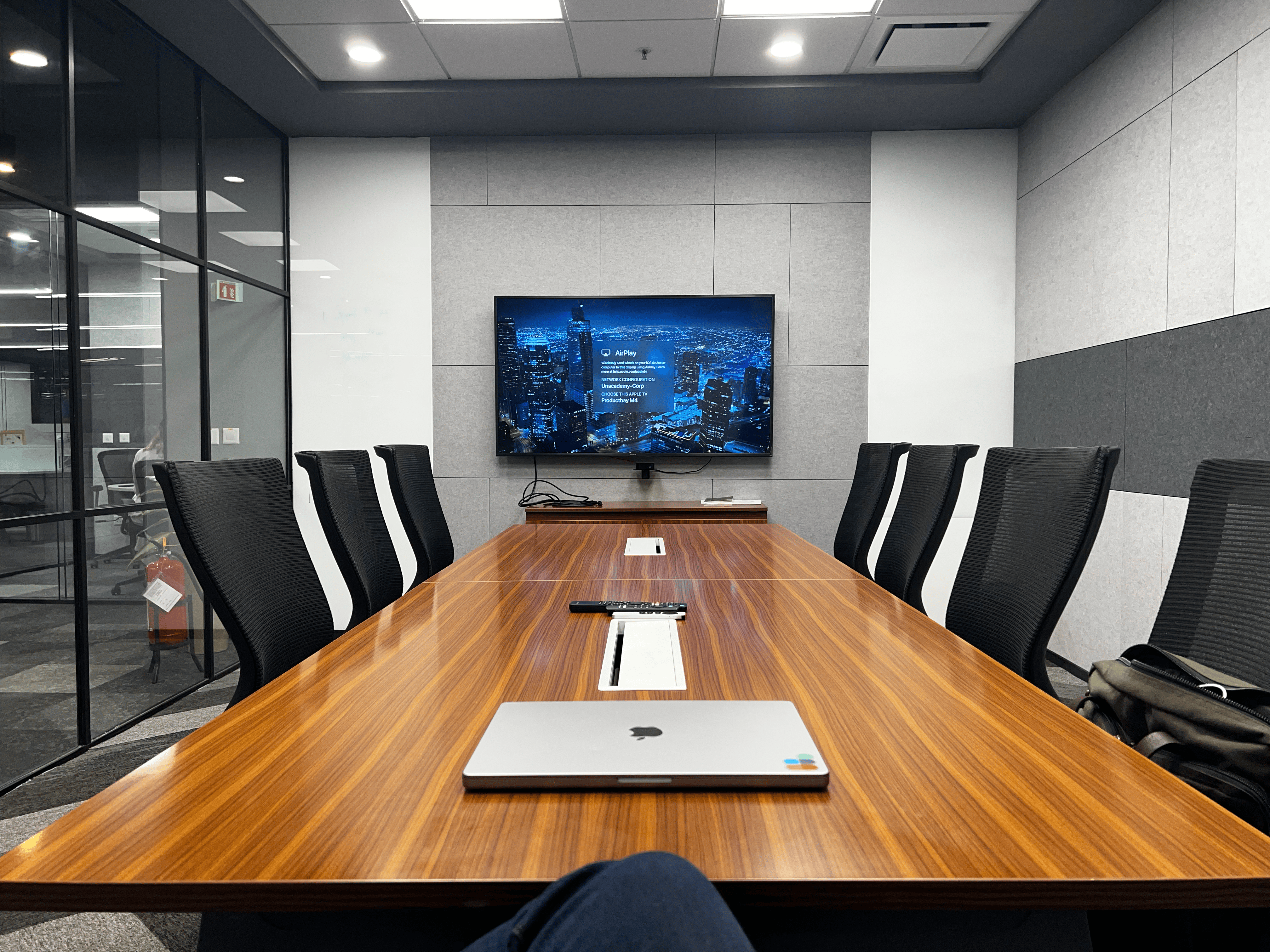
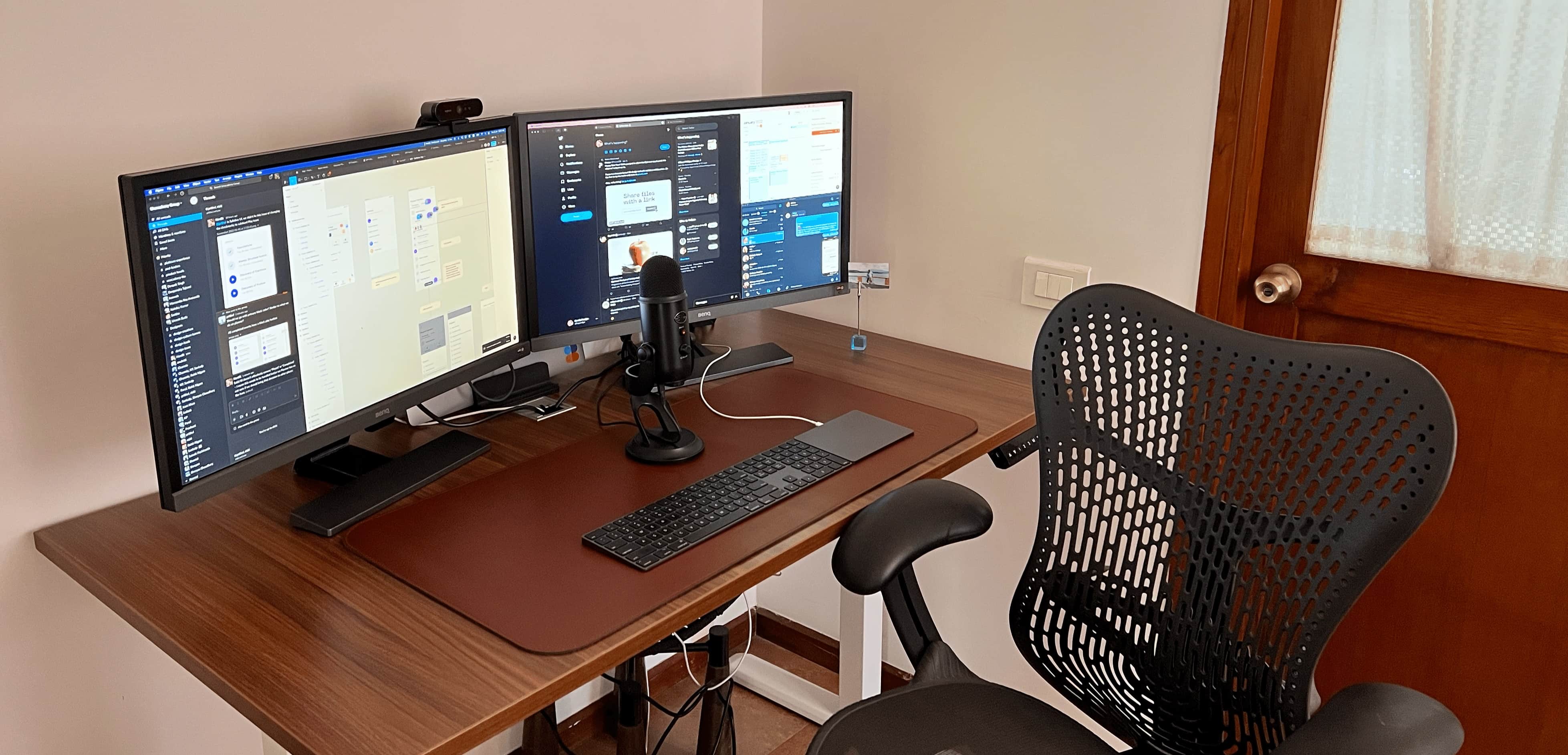
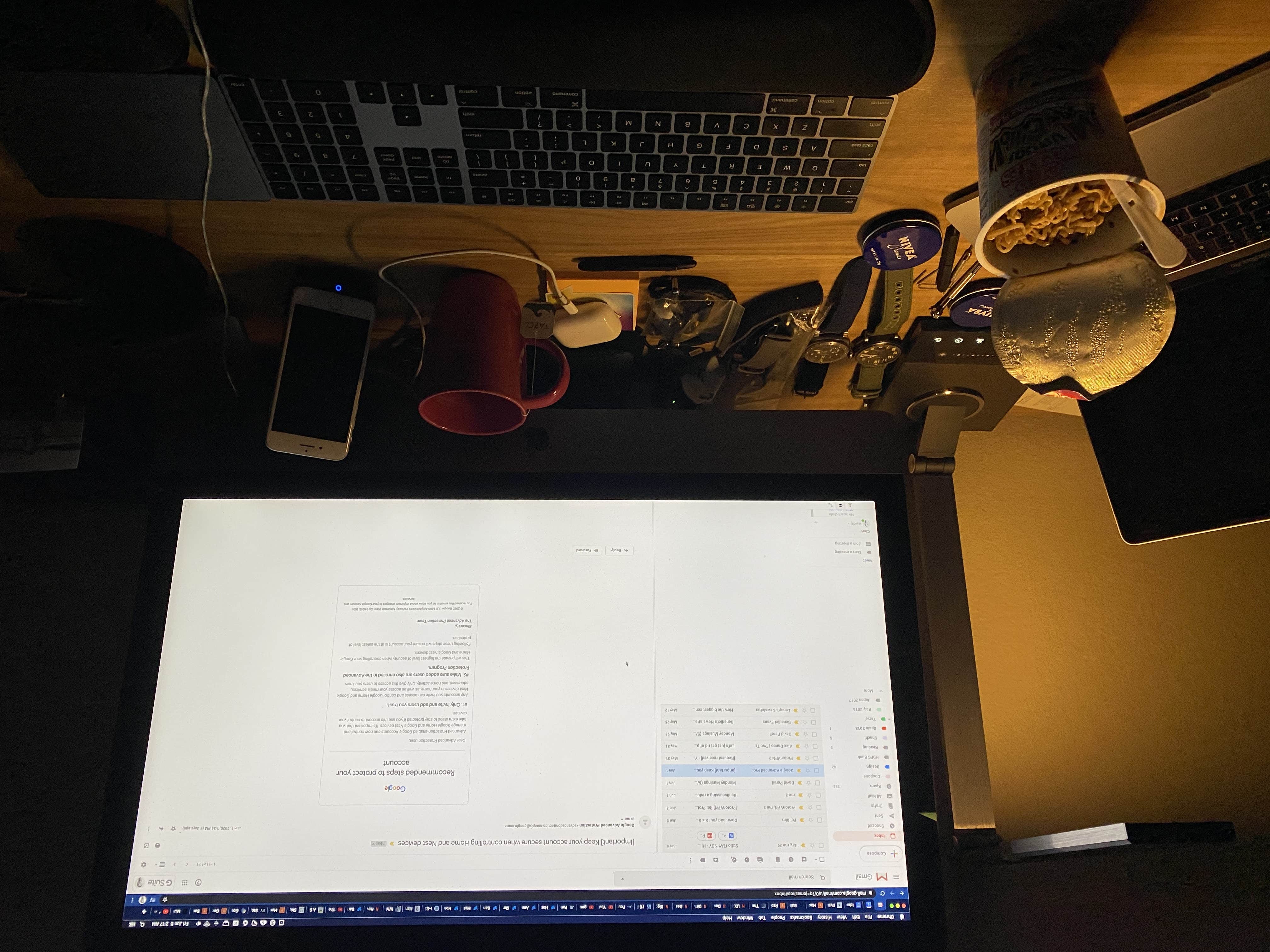
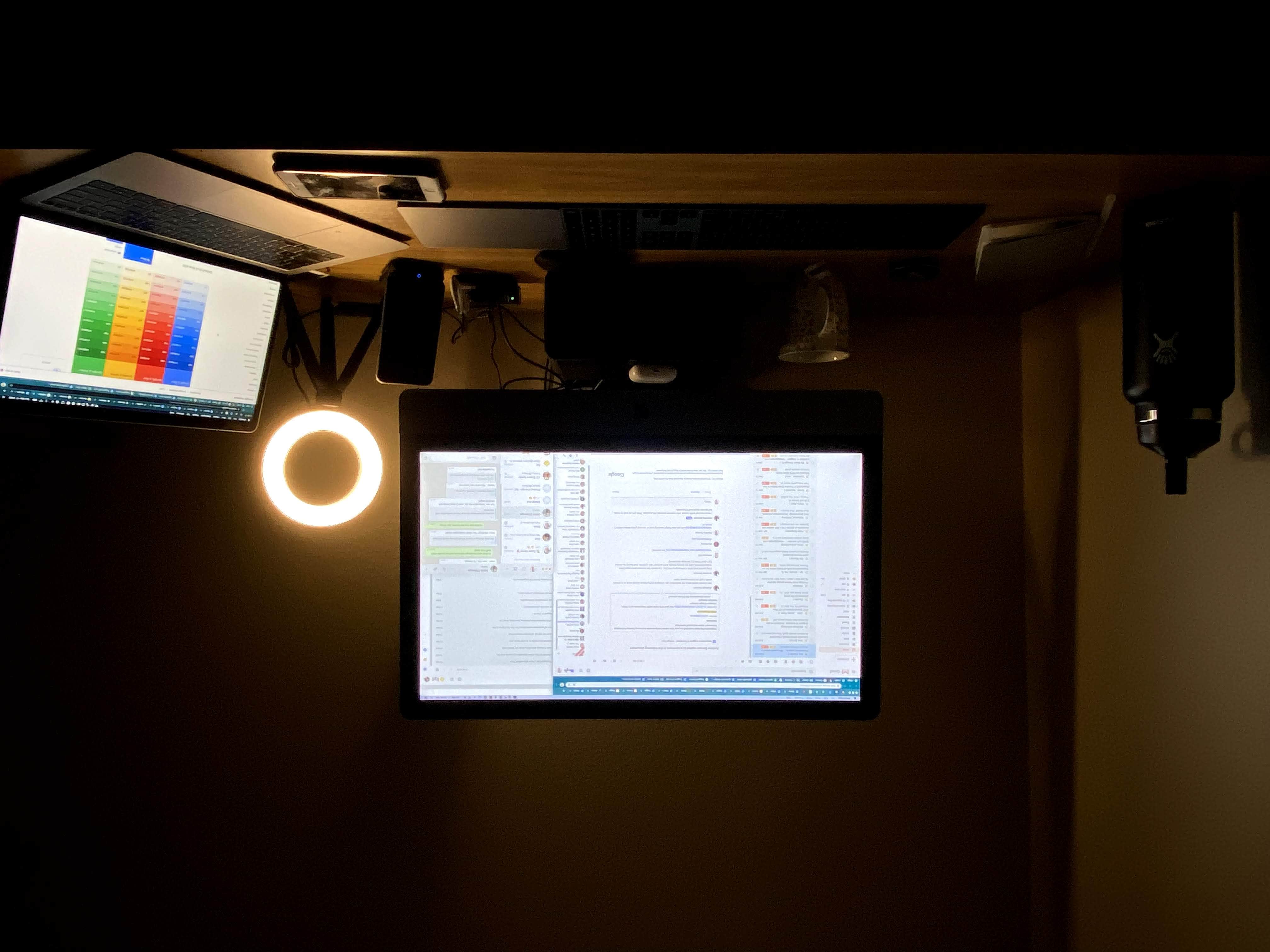
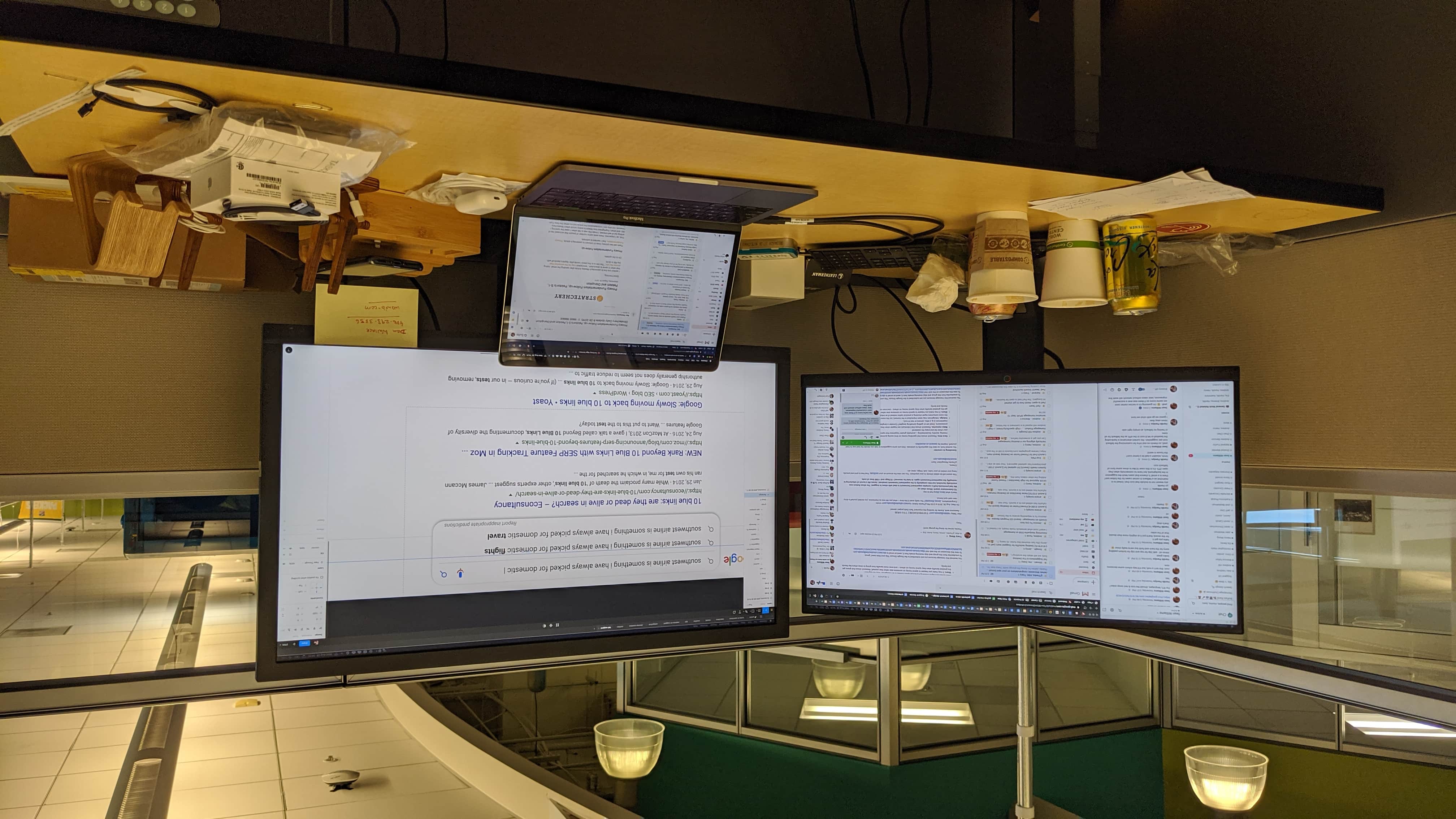
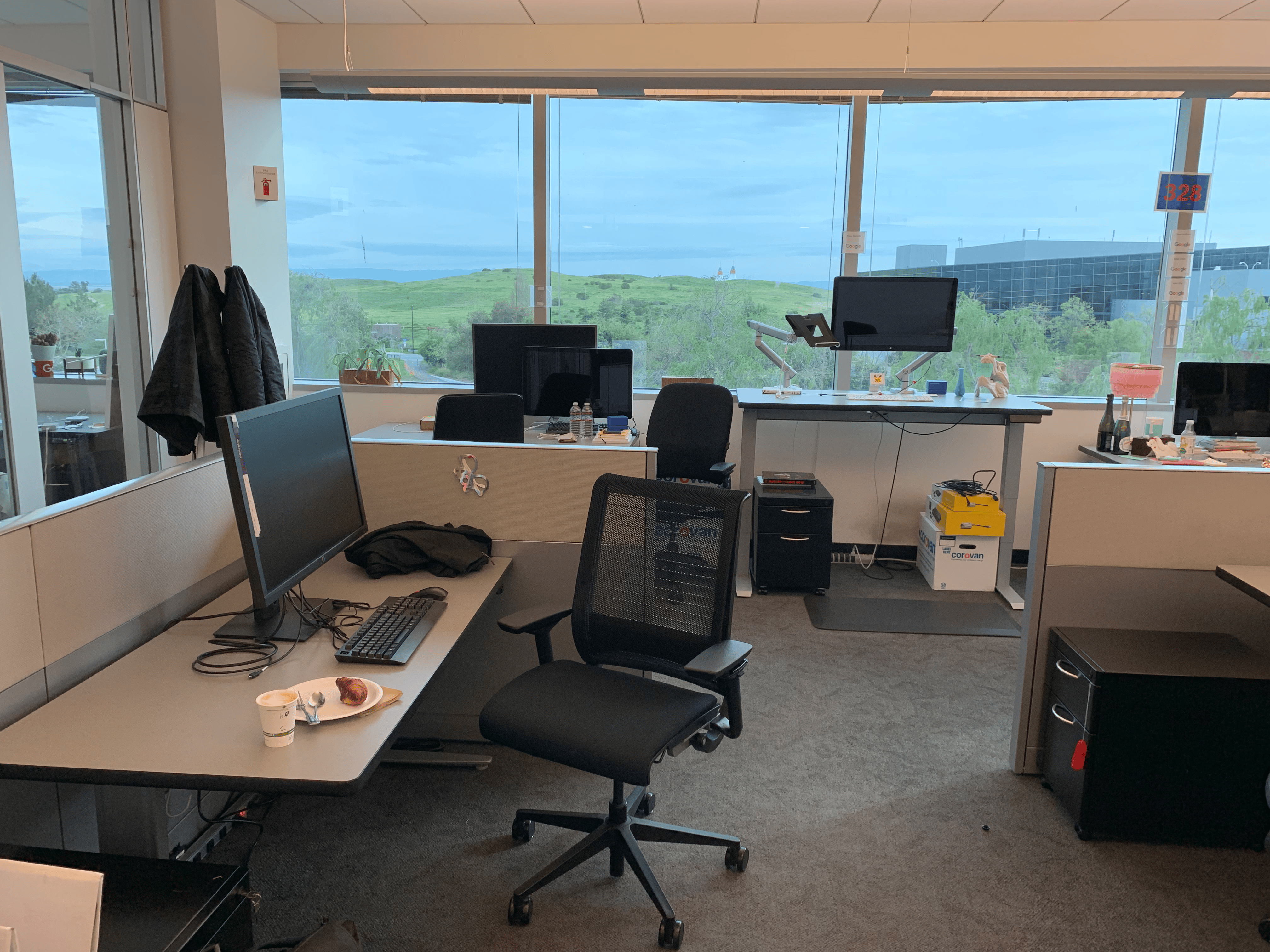
Gee I loved that desk. Look at the hilly sprawls of the Shoreline out the window. Hard to match that view anywhere else.
Audio
Apple EarPods (USB-C)
$15 a pair but they just work without any of the Bluetooth drama. No pairing issues, no charging, no dropouts. As long as I’m not flying on a plane and don’t need noise cancellation, these are my top choice now.
AirPods Pro (2nd generation)
Currently using these for noise cancellation, though I’m not entirely happy with my current audio choices. The noise cancellation is good, but AirPods can be stressful on the ears, especially during long usage.
Nothing Ear (a)
My backup earphones for when the AirPods need to be charged, which happens quite a lot when you’re in calls 4-5 hours every day. They’re fine as a reliable backup. Fit is decent and they hold charge longer in my experience than the AirPods. Although I’m always weirded out by that sound when they pair. You might know what I mean.
Blue Yeti microphone
I hate external mics. These are only used for occasional rare must-do-can’t-avoid podcast recordings from home. I really don’t like the fact that they have such a big presence on the desk, so it mostly sits in the storage until needed.
Sony WH-1000XM5 [retired]
Had these for a while but they're retired now. Incredible sound quality and noise cancellation, but I personally hate carrying large headphones everyday. I also don't like heavy weight on my head for longer hours of listening, so these didn't work out for my daily use.
Note: AirPods are bad for your ears with hours of long calls. My ears pain when I wear them for 2-3 hours at a stretch. I’ll move to an over-ear pair for extended work sessions soon.
Photography
Photography has been a passionate interest of mine for about 15 years now, and my gear reflects this evolution. iPhone is the everyday camera, though I’m not entirely happy with it. It’s always in my pocket but I find myself reaching for dedicated cameras more often.
Ricoh GR IIIx
What a pretty little beast. Super compact camera with a great form factor. The colors out of the box are absolutely beautiful. The manual controls are super easy to use and it’s incredibly fast. Perfect for street photography and casual everyday shooting. Fits in the pocket nicely too.
Leica Q2
My serious photography and travel camera. I mostly only take this out on longer trips and it has never failed me. Love using it despite the fixed lens. Even took it on wildlife safaris (you’d get laughed at for shooting with this in a jungle). I’ve not missed my DSLR lens-kit much at all in the 5 years of owning the Q2.
Photography apps & workflow
- Halide for shooting RAW and Process Zero shots. The output is significantly better than the photos straight out of iOS camera because of all the computational stuff.
- Kino for shooting excellent videos and colour grading them with professional controls.
- Darkroom is just about the perfect app for light to heavy photo editing.
- Snapseed for editing photos on the Pixel. The app has been recently updated after years of neglect, which is nice. I particularly love the portrait edit and spot edit features.
- Google Photos for storage (~1.6TB currently) of years of photos. I have almost 19 years of photos stored there now, that’s about 170,000+ photos. At some point I want to explore moving to iCloud Photos, but that’s going to require a lot of work so that’s for later.
Software
I don’t like to have a huge software sprawl. I rarely add new software onto my stack (although I try new stuff a lot). Over the years you learn to only keep reliable, fast and long-lasting software around. Here’s my list:
Design
- Figma for all product design work.
- Excalidraw for quick collaborative sketching while you’re on a call. Quite handy for jamming when the other person doesn’t have Figma or FigJam.
- Freeform for sketching stuff on the go, syncs nicely between all Apple devices through iCloud.
Development
- Cursor for all coding work on Mac. Back in the day I got started with Sublime Code (those were the days!).
- Claude Code for agentic coding. This page was built with it.
- GitHub for hosting code, including code for this website.
- Netlify for deployment, I have hooked up Netlify with autodeploy every time I push a new change on the production branch on GitHub repo for this site.
- Hover is where all my domains are managed. No-nonsense Canadian domain registrar. Great support.
Productivity
- Apple Notes for all note-taking (super boring I know, but it’s never failed me).
- Google Calendar for scheduling and timekeeping.
- Things 3 and Todoist (juggling between both, will mostly move back to Things. Hard to beat the simplicity of Things. Might even just move back to Apple Reminders. Need a cleanup in this area).
- Raycast for window resizing, app focus switches, and general Mac productivity shortcuts. Has completely replaced my previous workflow.
- CleanShot X for managing and annotating screenshots on Mac. Absolute game changer for screenshot work as someone who tests products so often nearly every day.
- Safari for browsing. It’s simple, fast, syncs perfectly via iCloud and also has Reading List which is where all my saved articles are stored. I tried moving to Arc but keep coming back to Safari for the Reading List alone.
- Keyboard Maestro [retired] used to use this for managing window resizing and app focus switches on the Mac, but now I manage all that with Raycast.
- Roam Research [retired] houses some of my very old notes but I’ve since stopped using it and need to move my notes over to Apple Notes.
- Day One [retired] houses some of my old diary entries when I used to journal regularly from 2011 to 2014, a historic relic now.
Communication
- Telegram with spouse and close friends.
- WhatsApp for family, friends and networking (no Signal or any other apps).
Media
- Apple Podcasts (iOS and Mac) for managing and listening to podcasts. Simple and effective, works without a fuss. The seamless sync between devices makes it perfect for listening while driving and continuing at home. I could never get used to Spotify for podcasts becuase of the way it’s jerry rigged into their music app.
- YouTube Premium for ad-free background watching and listening. Best money spent on a subscription. Essential for my daily YouTube consumption.
- YouTube Music for all my music streaming. Fully switched to this a few years ago. Makes perfect sense given it has a ton of UGC music, covers, and remixes that other players don’t have access to.
- Apple TV for a few high quality shows that we’re watching as a family. Absolute delight because of the 4K streaming quality and some really good shows too now.
Essential services
- Google Workspace (Gmail, Google Calendar, Google Drive, Google Photos) for storing all of life’s work. I happily pay for it.
- 1Password for storing all of my life’s data including important documents, IDs, passwords and keys. I pay monthly. Gradually have moved my family’s data also to it for convenience. The first app I download and setup on any device for obvious reasons. Long-lasting, simple, and reliable software. Love it.
AI tools
Hard to not be using these nowadays for work, life and pretty much everything.
Grok Bot
My desktop assistant for life admin and this site. It has enough context across email, GitHub, shopping and day to day work that I can just say what I need and it handles the steps. First tool I reach for when something needs doing, not just thinking.
Claude
For specific work around creative writing and critiquing ideas more thoroughly. I find its logical reasoning and critical thinking much better and sharper than ChatGPT, particularly when I need deeper analysis or more nuanced feedback.
Claude Code
For agentic coding. I use it with Cursor to build side projects and this website. It’s fast, powerful and surprisingly capable.
ChatGPT
No surprises there. Love the voice mode and persistent memory. I keep training it on every facet of my life and now it helps me with things like visa applications, financial planning, preparing documents for taxes, brainstorming on complex topics, writing, gardening, sports analysis, parenting and much more.
Midjourney
Use quite heavily for different graphics needed for my website and occasional art jams with my kid.
Google NotebookLM
Occasionally use this to summarize videos, but not nearly as much yet. Still exploring its potential for content processing and analysis.
Everyday carry
I love watches. You can probably tell by my appreciation for long lasting well-designed products.
I could never get used to an Apple Watch. Had the Ultra 1 and sold it recently. I keep coming back to analog watches for the allure of the machinery.
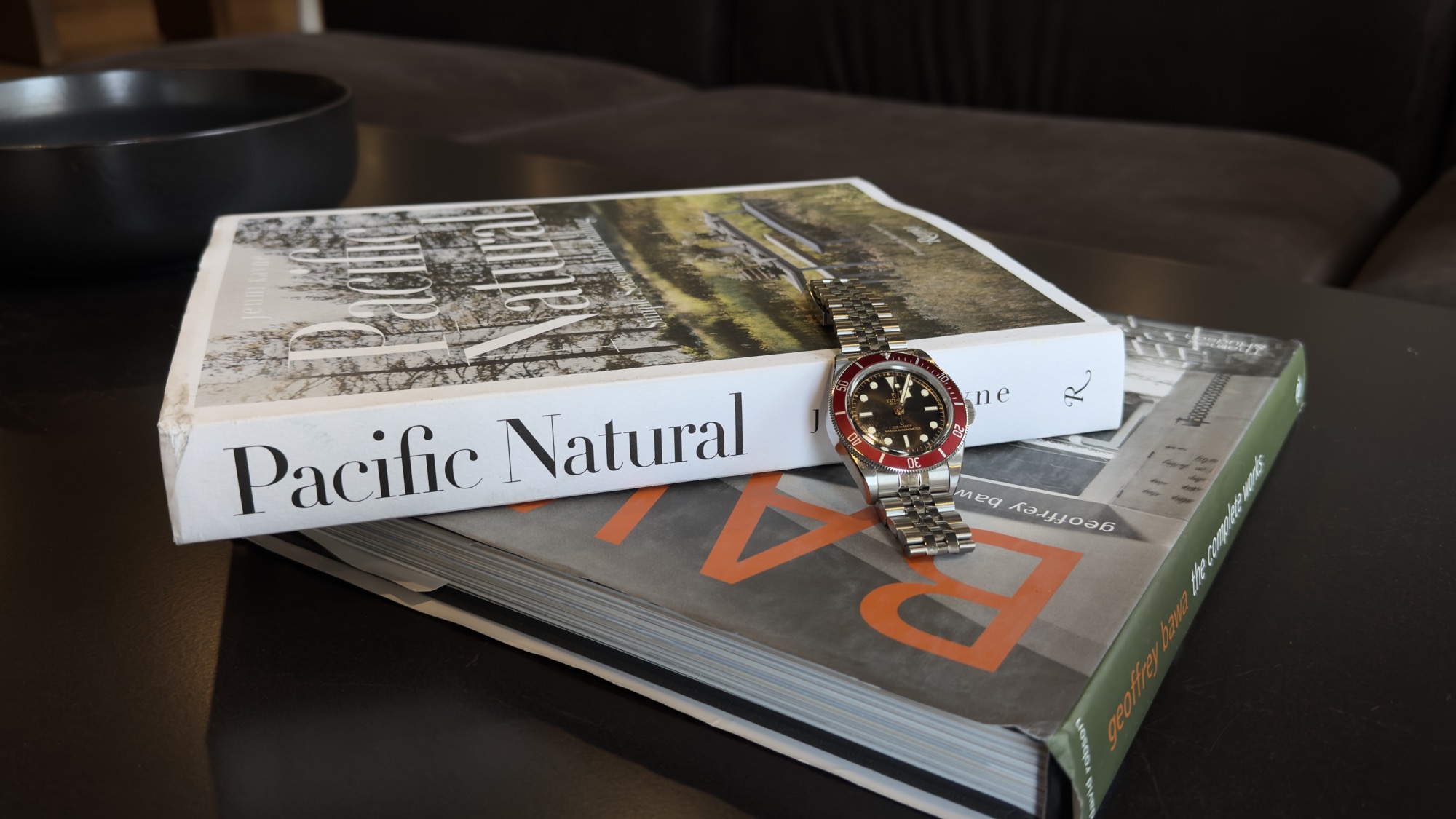
Tudor Black Bay 41 (M7941A1A0RU-0003)
Latest watch I bought and my new daily wearer. Burgundy bezel with black dial. A Pocket FM commemorative because of the red and black. Excellent wrist presence on the jubilee-style steel bracelet.
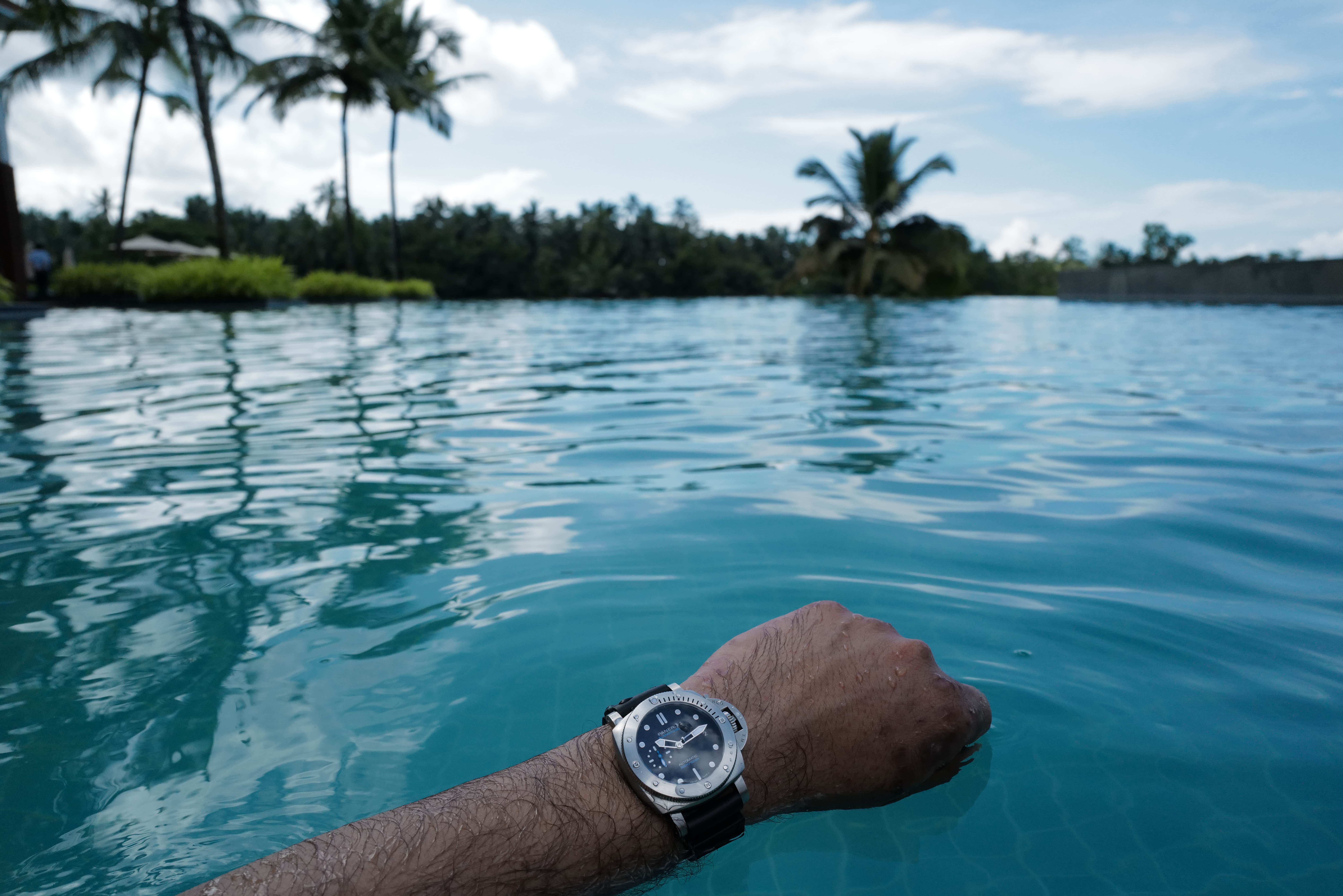
Panerai Submersible
Most used on vacations, especially when we’re doing water stuff, treks or spending time out in the sun. Built for adventures and equipped with a rugged rubber strap.
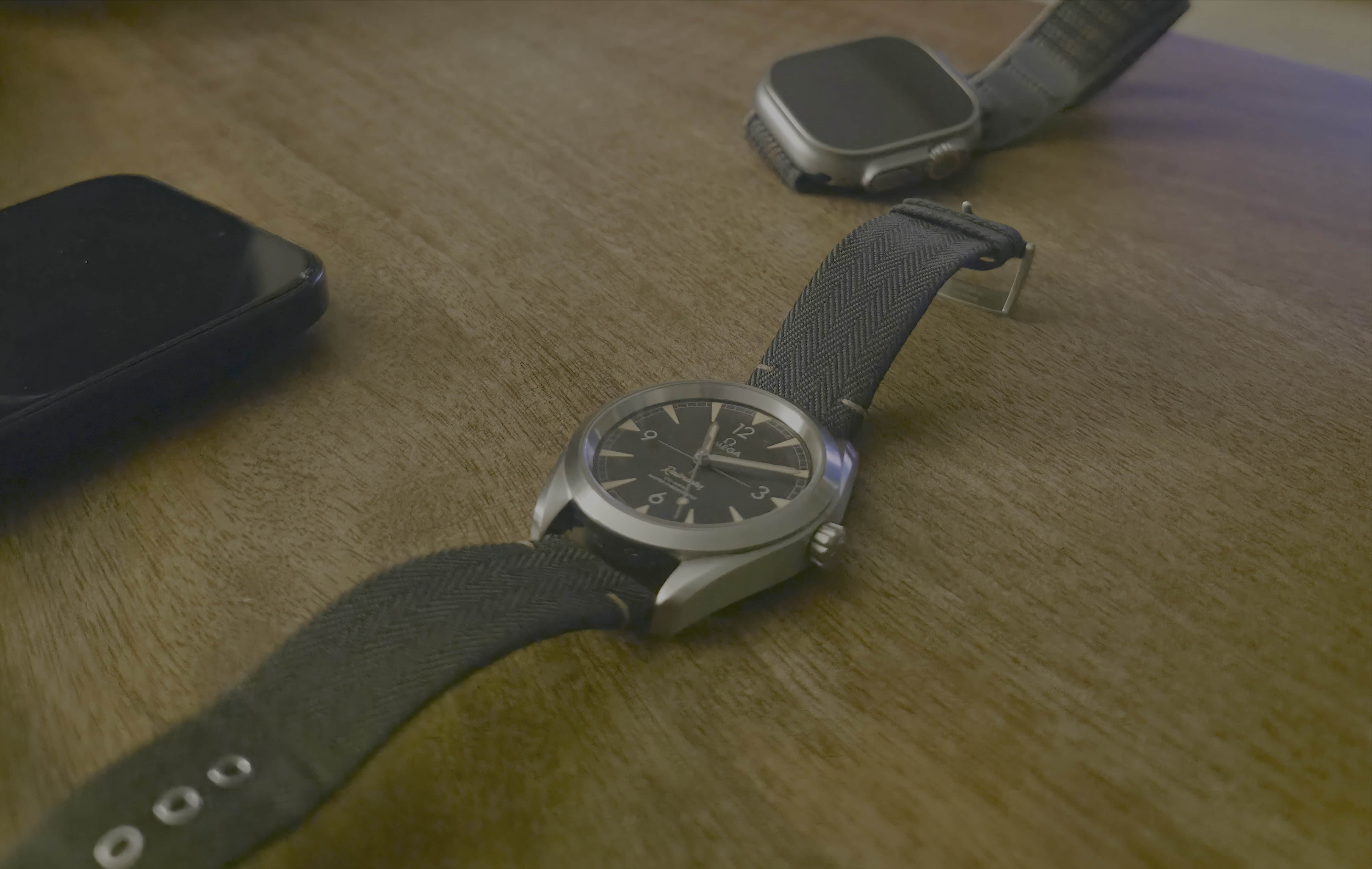
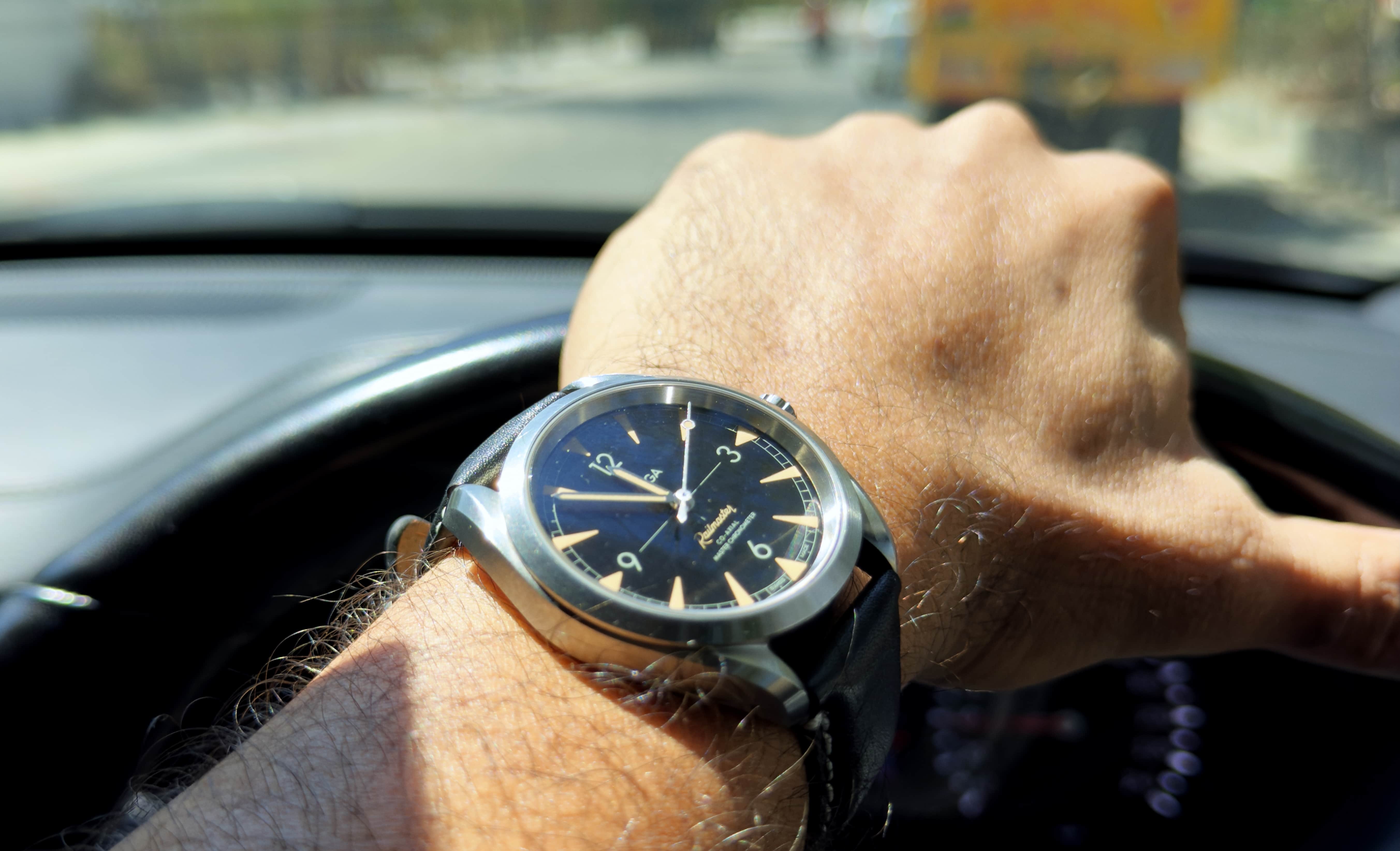
Omega Railmaster
Gets consistent wrist time when I go to office and need a workplace-friendly piece. It’s simple, professional and clean. Equipped with calfskin leather strap.
Omega Speedmaster Gray Side of the Moon (311.93.44.51.99.001, limited edition)
I got lucky in the US when I was offered this piece by the jeweller I worked with. A prized possession. Sees rare wrist time on special occasions. Definitely not EDC.
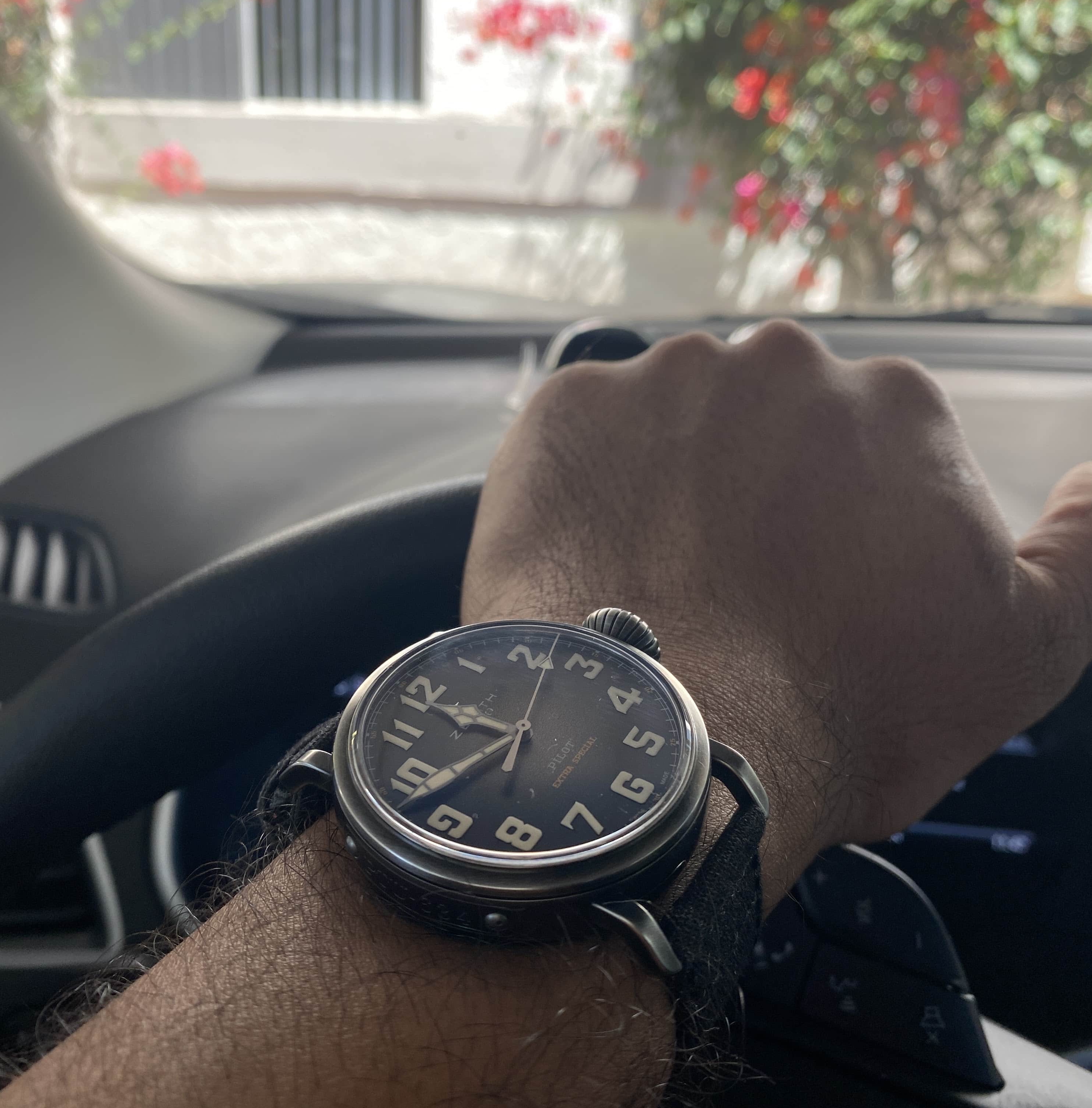
Zenith Heritage Pilot
Giant dial, beautiful onion crown and the loudest presence on the wrist. Love the art deco hands and hour markers. Beautiful to the brim.
Tissot PRX Powermatic 80
For casual dinners and dress occasions. Slides well under the cuffs. A beautiful piece. Love that waffle dial and the Gerald Genta inspired integrated links design.
Longines HydroConquest (L3.769.3.96.7)
Recently got this as a gift. Quartz, blue dial, two-tone steel and gold. The dial does not say HydroConquest, but the caseback does. Easy daily quartz when I want zero fuss.
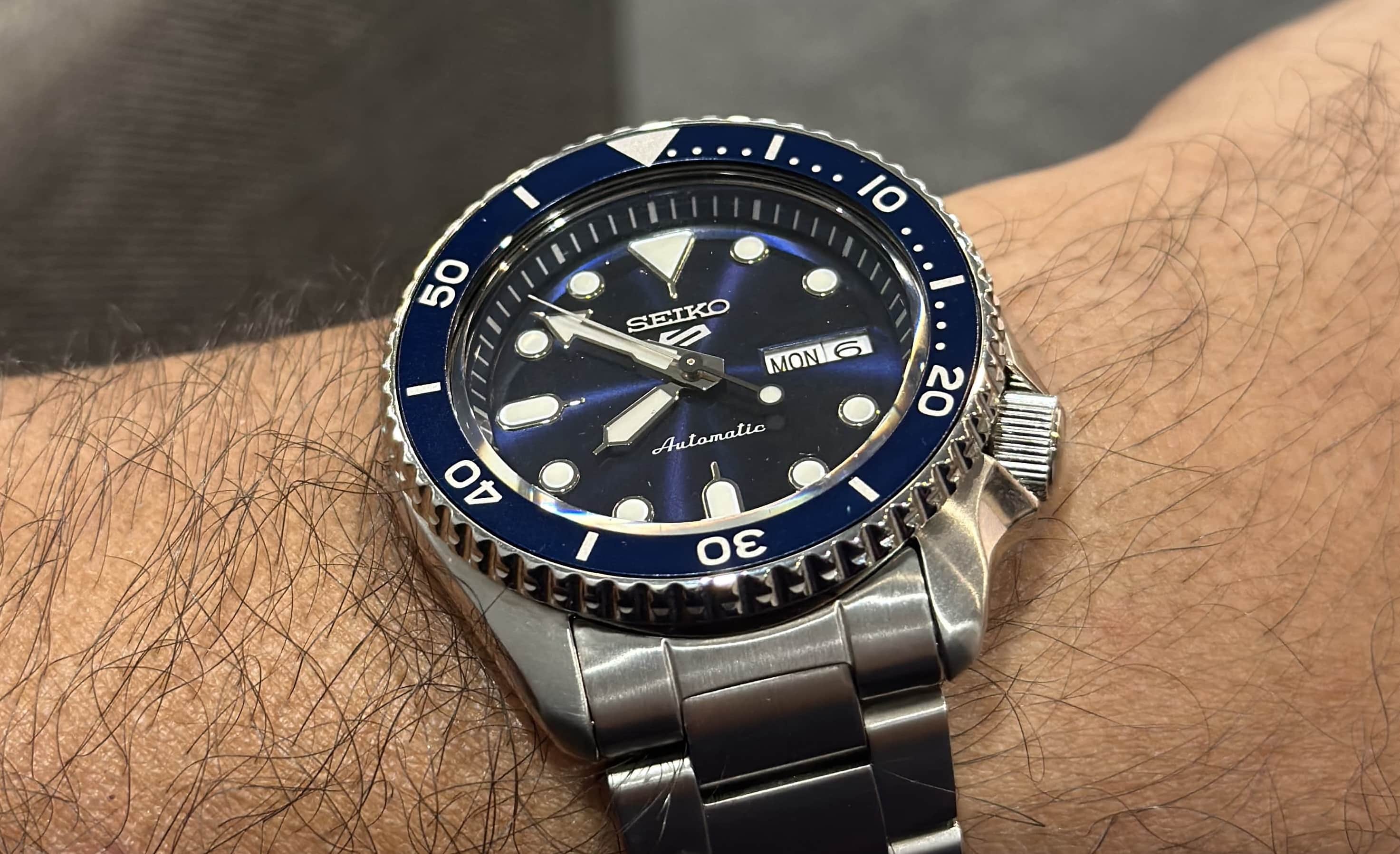
Seiko 5 Sports Automatic
My daily beater. Reliable, classic, and built to last. Scuffed, dented and not babied at all.
Filson Dryden briefcase
An absolute workhorse for everyday use. Been using it for 6 years but I bet you cannot tell. It’s also got a very convenient strolley-loop at the back which is perfect for airports on work trips. I don’t like using backpacks. Moved to the briefcase a few years back and haven’t looked back.
Wallets (rarely carried)
I don’t carry a wallet most of the time. When I rarely have to, I use either a beautiful calfskin by Godbole Gear or a bifold by Popov Leather. Both are beautiful, supple, and soft leather wallets that have lasted me for years. Strongly recommend either one. Recently got an Apple Wallet too, but the strength of the magnets isn’t really giving me confidence to use it daily.
Sunglasses
I’m using a pair of Oakleys now. The polarization on these is fantastic. For many years, I have used the pairs from Sunski: the Madrona, Couloir and the Avila. It’s a Seattle-based brand and makes excellent products. They last long. I have the Meta Wayfarers transition too, but they’re a bit heavy. I do plan to get a pair from Illesteva or LGR at some point.
Leatherman Free T4
Always on me as my everyday carry multitool for opening packages, tightening screws and general handyman tasks around the house. Reliable and compact enough to carry everywhere.
Home
LG 70” UHD 4K Primary TV
Great for sports and movies. Picture quality is amazing and have zero complaints.
LG 42” Secondary TV
A second TV for when we want to watch sports and movies at the same time. Straightforward choice to be honest.
Apple TV (on both TVs)
Streaming on both TVs is powered by Apple TV. Flawless experience and honestly the best entertainment purchase ever. The interface, speed, and integration with the Apple stuff is unmatched. The remotes are flaky though.
Sonos Ray Bar
Powers the sound for our entertainment setup. Clean, powerful audio that fills the room without overwhelming it.
TP-Link Deco mesh network
Handles home networking around the house. Gets the job done in a decently sized house but fails miserably if you have a house across multiple floors. For single floor usage, this works fine. I’ll probably upgrade the equipment at some point.
Oakter Mini UPS for WiFi router and modem
All routers and the modem are protected by UPS power backup because, you know, living in Bangalore means frequent power cuts still. Essential for keeping internet up during outages.
This list evolves constantly as I discover new tools or my needs change. If you have questions about any of these items or want specific recommendations, feel free to reach out at me@hvpandya.com.